← Back to home Gallery

What BASIC-256 can do

Fractals, simulations, physics, games and demos — all written in BASIC-256. Read the source of any of them, or run it in your browser with one click and change it yourself.

24 programs you can run in your browser right now · Free and open source

Fractals

Infinite detail from a few lines of arithmetic.

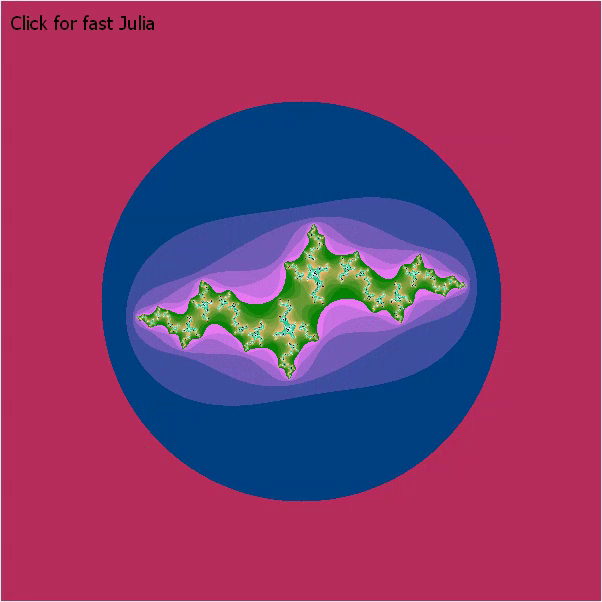
Screenshot of the Julia Set program running in BASIC-256.
Fractals

Julia Set

Kurt Moerman, adapted by UglyMike

A Julia set redrawn live as you move the mouse over the canvas: the pointer picks the constant, so every position is a different fractal.

JuliaMoerman.kbs

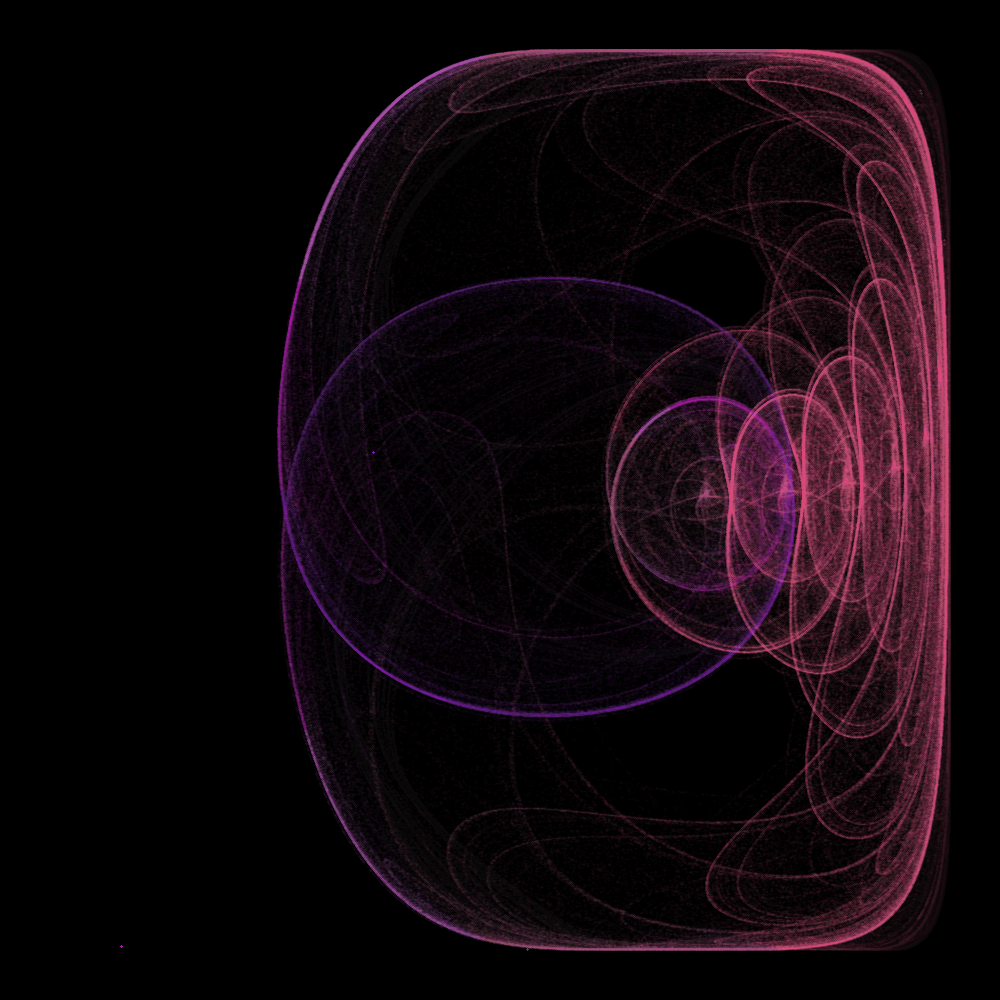
Screenshot of the Strange Attractors program running in BASIC-256.
Fractals

Strange Attractors

After Simone Conradi

Clifford and Peter de Jong attractors. Move the mouse slowly to explore the parameter space; points visited more often glow brighter through additive blending. Click to clear the trails.

StrangeAttractors.kbs

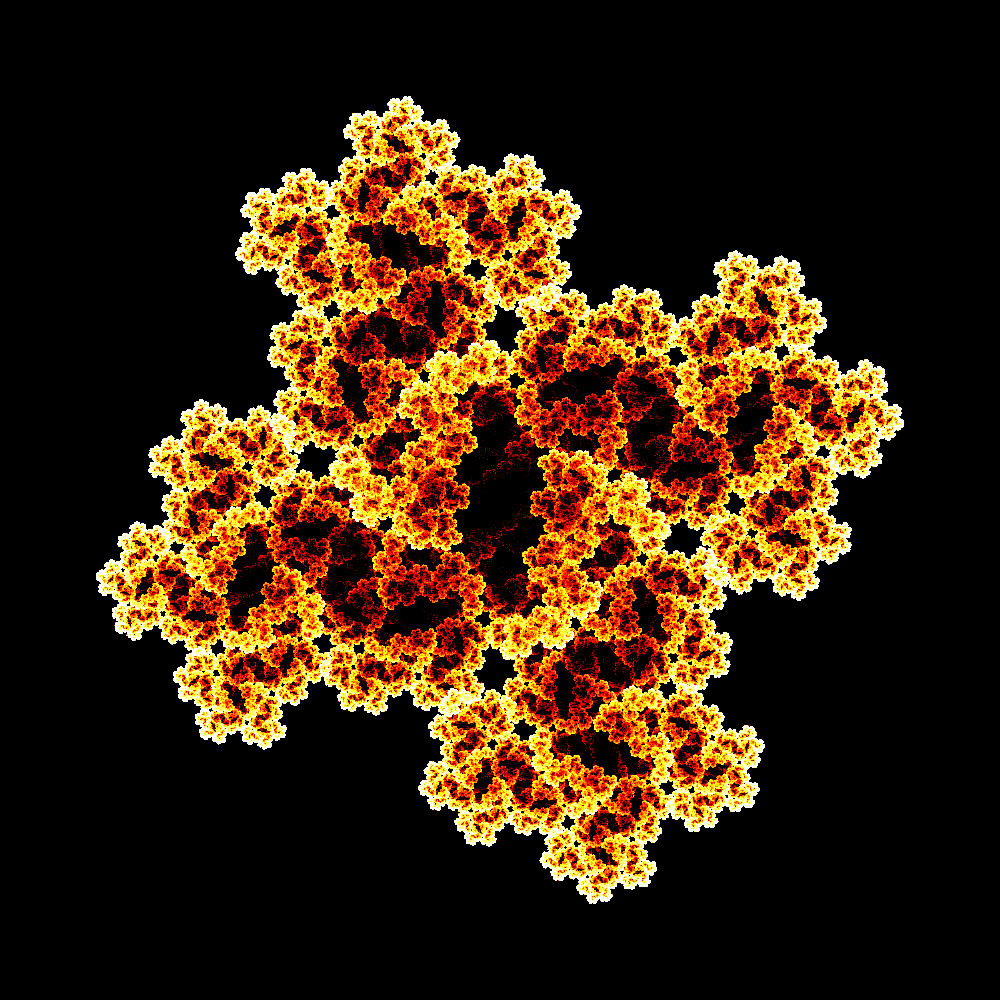
Screenshot of the Multi Julia IFS program running in BASIC-256.
Fractals

Multi Julia IFS

After Paul Bourke

Several Julia sets combined into one iterated function system, rendered by counting how often each pixel is hit. Heavily commented, so it doubles as a walkthrough of the technique.

MultiJuliaIFS.kbs

Simulations

Simple rules, many agents, surprising behaviour.

Screenshot of the Artificial Life program running in BASIC-256.
Simulations

Artificial Life

UglyMike

Particle Life: coloured particles attract or repel each other by a handful of simple rules, and cells, chains and swarms emerge. Press R for a new set of rules.

particle_life_final.kbs

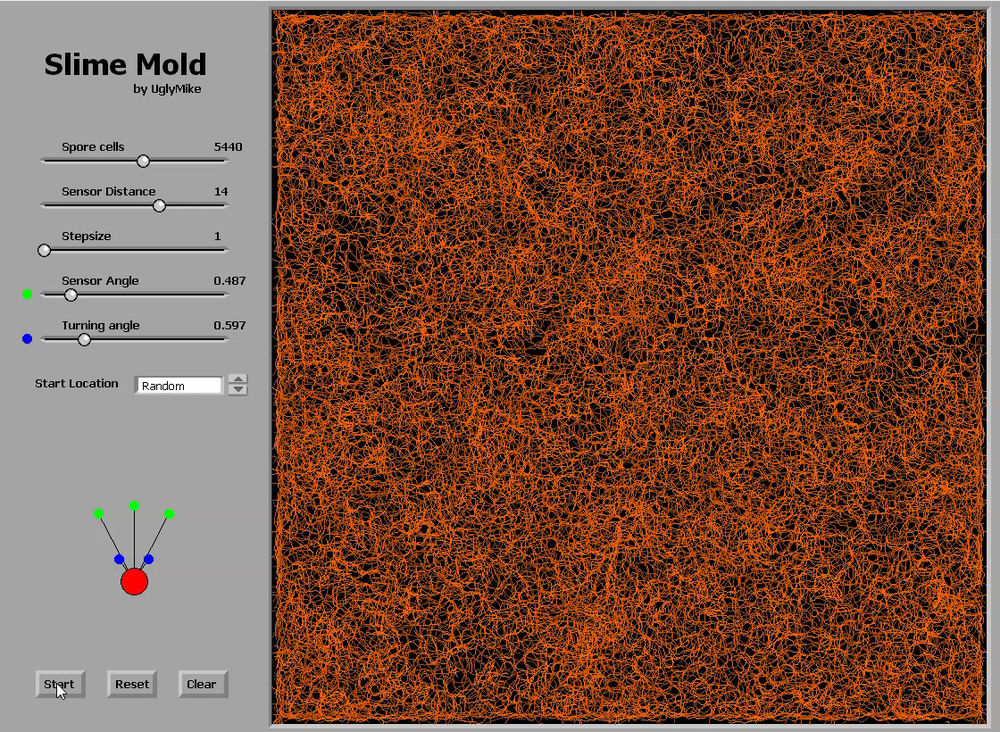
Screenshot of the Slime Mold program running in BASIC-256.
Simulations

Slime Mold

A Physarum-style slime mold simulation. Sliders change sensor distance, sensor angle, turning angle and step size while it runs, so you can watch the network reorganise.

SlimeMoldSimulation_GUI.kbs

Screenshot of the OpenSimplex Clouds program running in BASIC-256.
Simulations

OpenSimplex Clouds

A cloudy sky painted row by row from six layers of OpenSimplex noise, coloured with HSV. Four numbers at the top of the program set how cloudy it is, how soft the edges are, how big the clouds are and how much fine detail they have.

CloudySky.kbs

Physics

Verlet integration: position, previous position, and nothing else.

Screenshot of the Verlet Balls program running in BASIC-256.
Physics

Verlet Balls

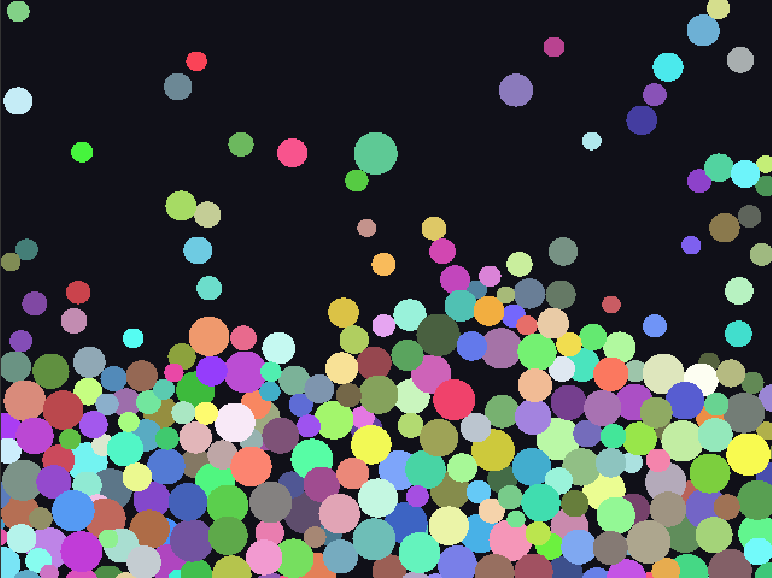
Balls of different mass under gravity and friction, colliding according to their weight. Grab one with the mouse to shove the others aside. A uniform spatial grid keeps the collision checks fast.

verlet balls part 5_Optim.kbs

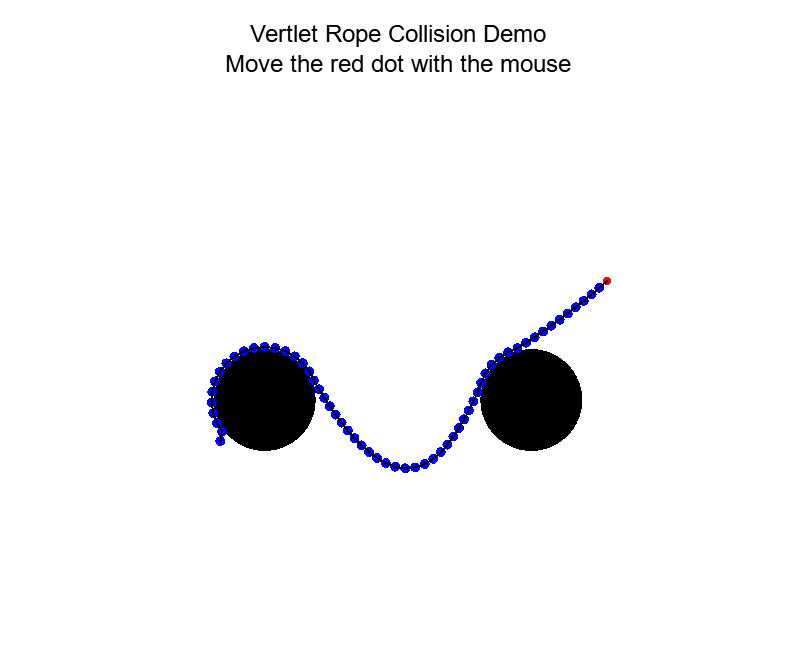
Screenshot of the Verlet Rope program running in BASIC-256.
Physics

Verlet Rope

A chain of Verlet particles joined by fixed-length sticks, pinned at one end. Drag the pinned end with the mouse and the rope swings, bounces off the walls, collides with itself and wraps around two fixed discs.

verlet rope part 5_collision.kbs

Physics

Verlet Cloth

A sheet of cloth built from a grid of Verlet points and constraints.

Coming soon
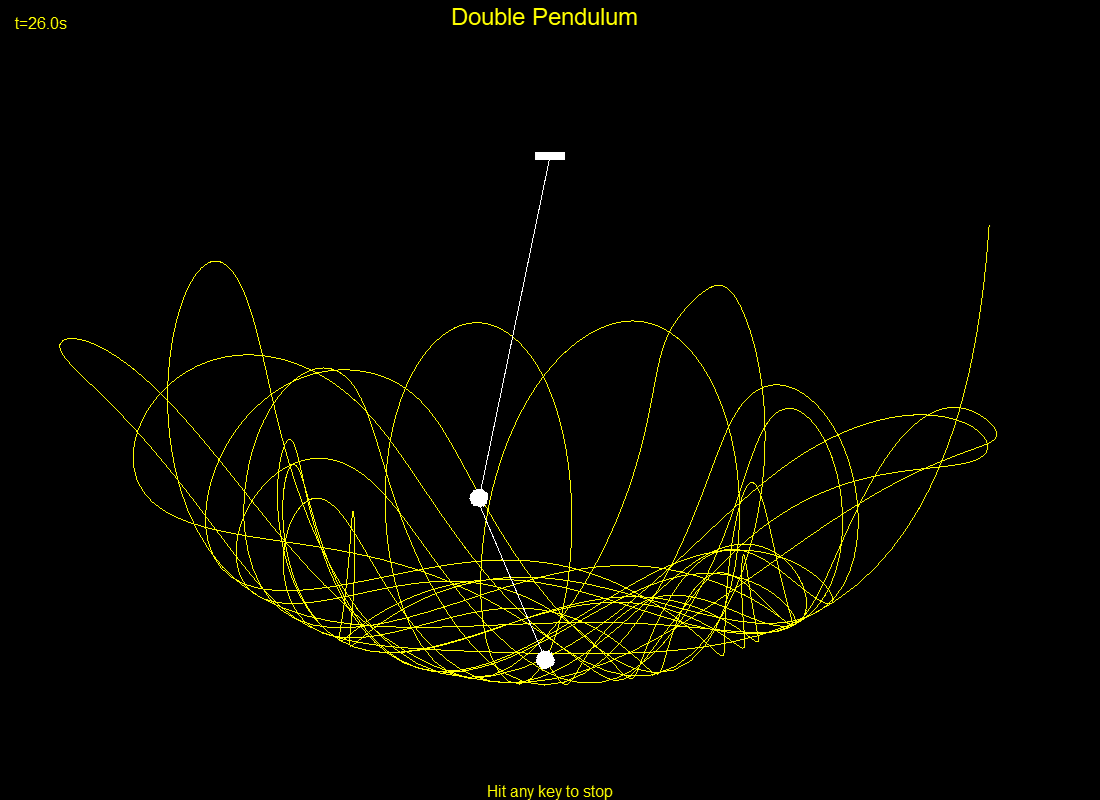
Screenshot of the Double Pendulum program running in BASIC-256.
Physics

Double Pendulum

K Moerman

Two linked pendulums swinging under gravity with a little drag, worked out step by step from the equations of motion, while the lower weight traces its chaotic path. Any key stops it.

DoublePendulum.kbs

Screenshot of the Smoke program running in BASIC-256.
Physics

Smoke

UglyMike

A particle smoke simulator from the Nature of Code series. Move the mouse left or right to change the wind.

Smokesimulator.kbs

Games

Complete, playable games written in BASIC-256.

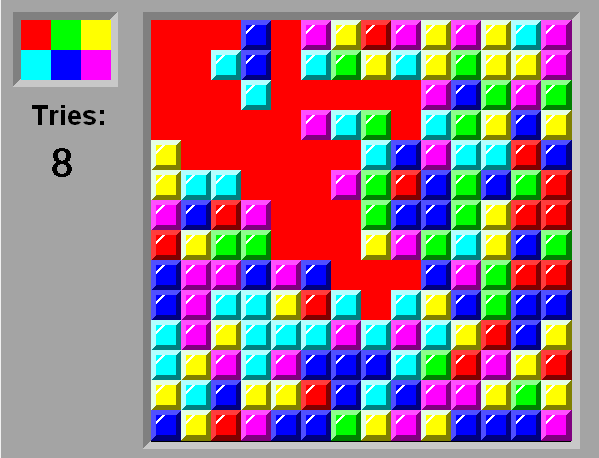
Screenshot of the Flood-It program running in BASIC-256.
Games

Flood-It

Flood the whole board with one colour, starting from the top-left corner, in as few moves as you can.

Flood-It.kbs

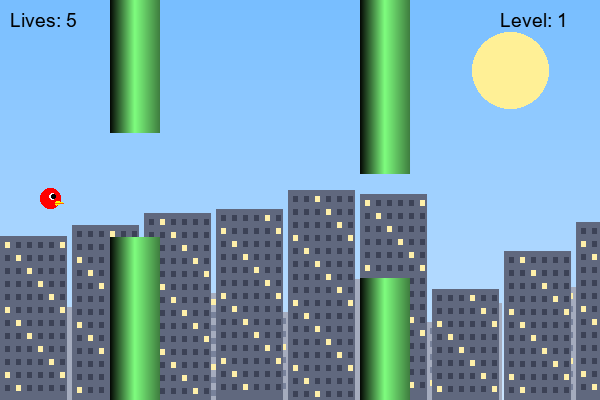
Screenshot of the Flappy Bird program running in BASIC-256.
Games

Flappy Bird

Manuel Nogueira Santos

A minimalist Flappy Bird: click to flap through five levels of obstacles, with mountain backdrops, before your lives run out.

FlappyBall2.kbs

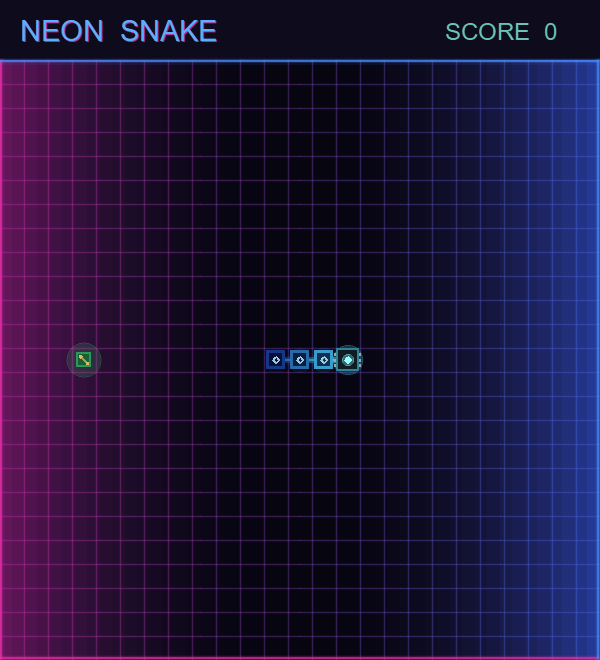
Screenshot of the Neon Snake program running in BASIC-256.
Games

Neon Snake

Written entirely by Claude AI

Snake on a synthwave circuit board. Crash and the snake detonates into a neon particle system. Arrow keys or WASD to steer; needs a keyboard.

ClaudeAI-neonsnake.kbs

GUI Graphics

Buttons, sliders and menus, drawn from scratch on the graphics canvas.

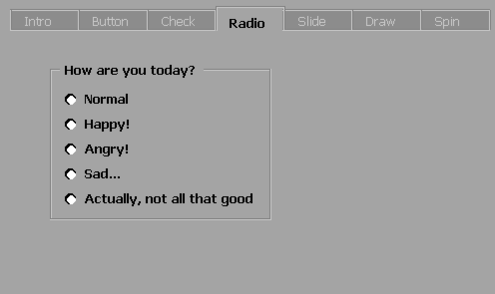
Screenshot of the BTK2 Toolkit Demo program running in BASIC-256.
GUI Graphics

BTK2 Toolkit Demo

A tour of the BTK2 GUI toolkit: buttons, checkboxes, radio buttons, sliders and spinners, each one built from BASIC-256 drawing commands.

BTK2_Toolkit_demo.kbs

Screenshot of the Mandelbrot Explorer program running in BASIC-256.
GUI Graphics

Mandelbrot Explorer

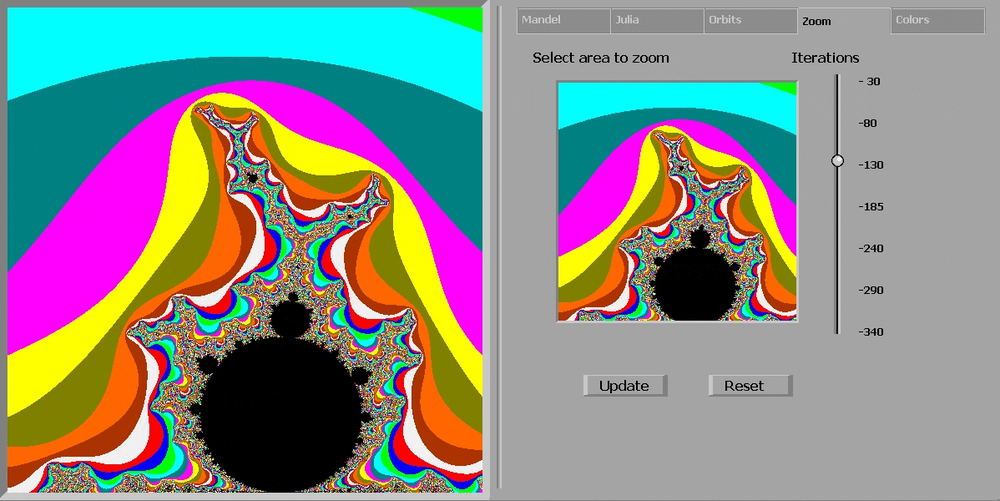
A Mandelbrot explorer with its own interface: drag out an area to zoom, set the iteration count, and hover over any point to preview its Julia set — click to render it in full.

Mandelbrot-256.kbs

Screenshot of the BASIC-256 Paint program running in BASIC-256.
GUI Graphics

BASIC-256 Paint

UglyMike

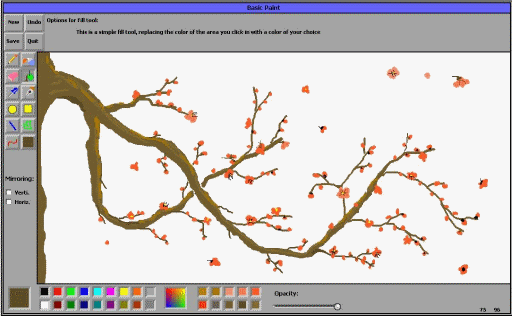
A complete paint program: pencil, pen, spray can, fill, shapes, lines, Bézier curves, a colour picker and custom colours, with undo and save.

BasicPaint.kbs

Screenshot of the Particle Fun program running in BASIC-256.
GUI Graphics

Particle Fun

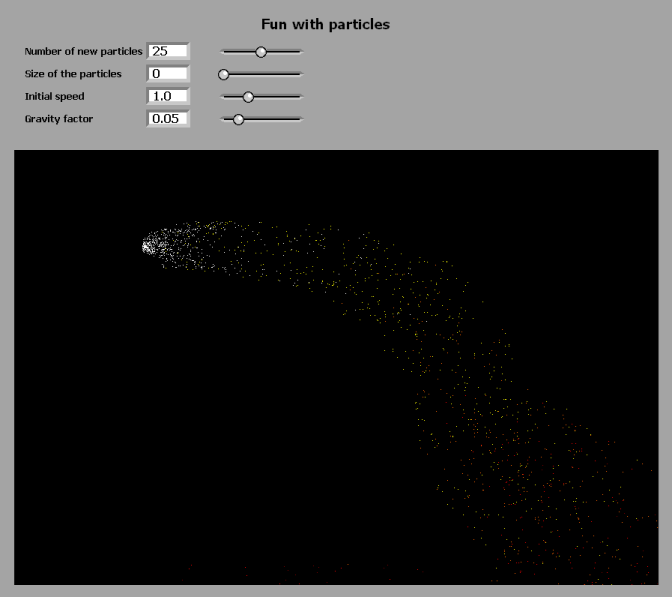
A particle fountain that follows the mouse pointer, with up to five thousand particles in flight.

ParticleFun.kbs

Demos

Eye candy, in the demoscene tradition.

Screenshot of the Bubble Universe program running in BASIC-256.
Demos

Bubble Universe

Paul Dunn; ported by Toby Nelson and UglyMike

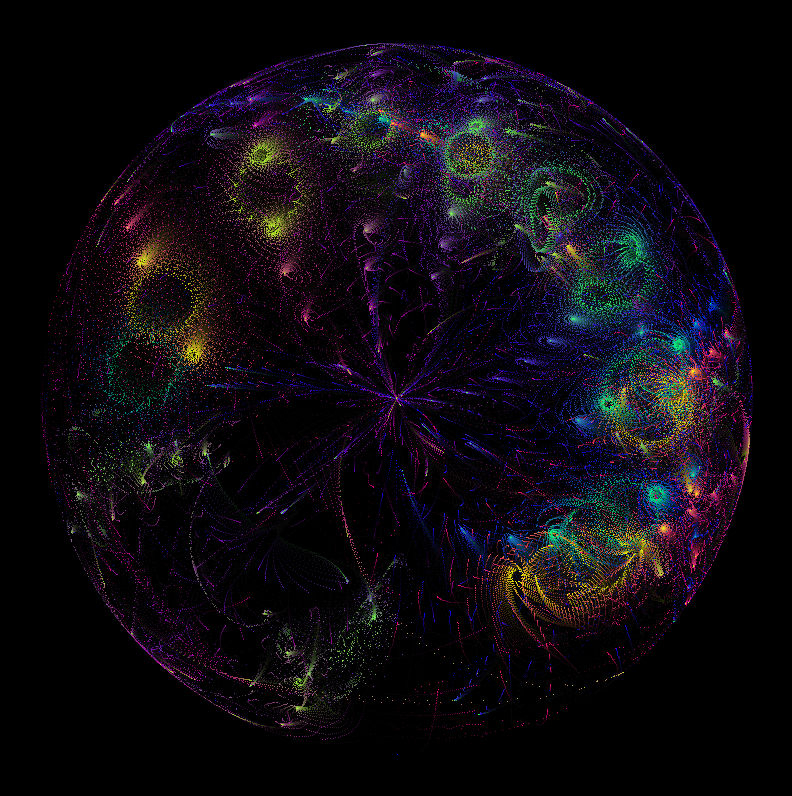
Paul Dunn’s famous SpecBAS demo, plus variations on it, selected from the keyboard.

BubbleUniverse_variations.kbs

Screenshot of the Quiverbloom program running in BASIC-256.
Demos

Quiverbloom

K Moerman, from a sketch by yuruyurau

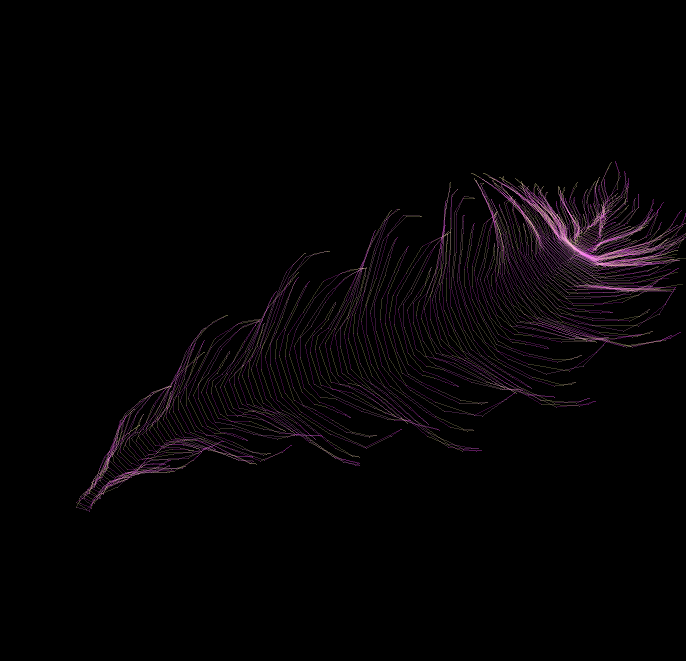
A creature drawn from thousands of short lines, rippling as it swims. BASIC-256 is interpreted, so you watch it swim in slow motion.

Quiverbloom.kbs

Screenshot of the Flying Starfield program running in BASIC-256.
Demos

Flying Starfield

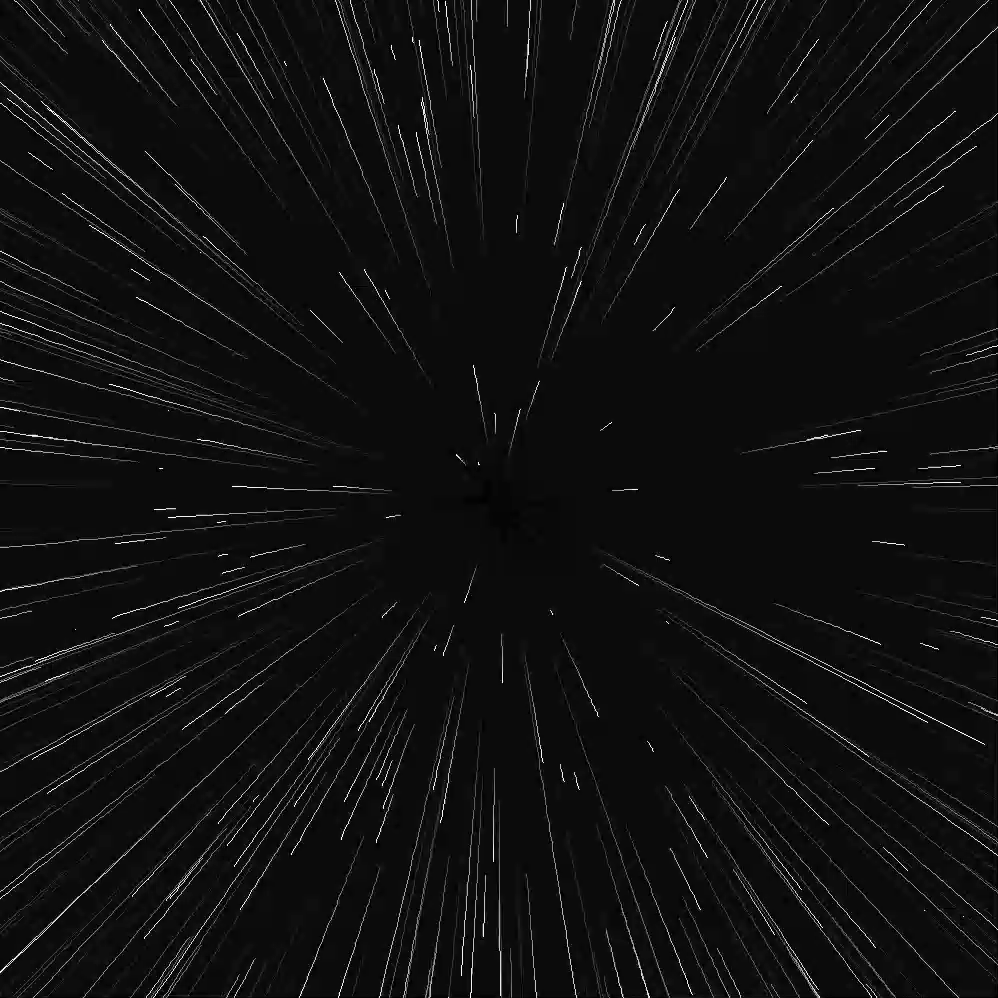
The classic warp-speed starfield: three hundred stars streaming out from the centre of the screen.

Warpfactor_Starfield.kbs

Screenshot of the Field Lines program running in BASIC-256.
Demos

Field Lines

Ported from John Penner’s QB64 code

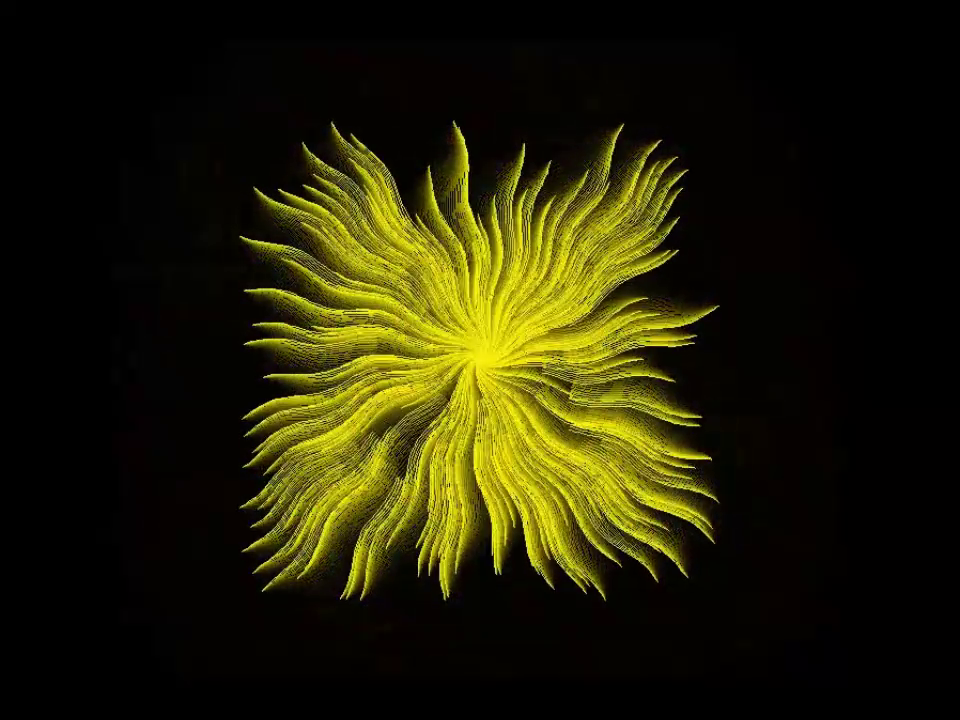
Rotating, colour-cycling field lines with a touch of transparency.

FieldLines.kbs

Screenshot of the Pong Wars program running in BASIC-256.
Demos

Pong Wars

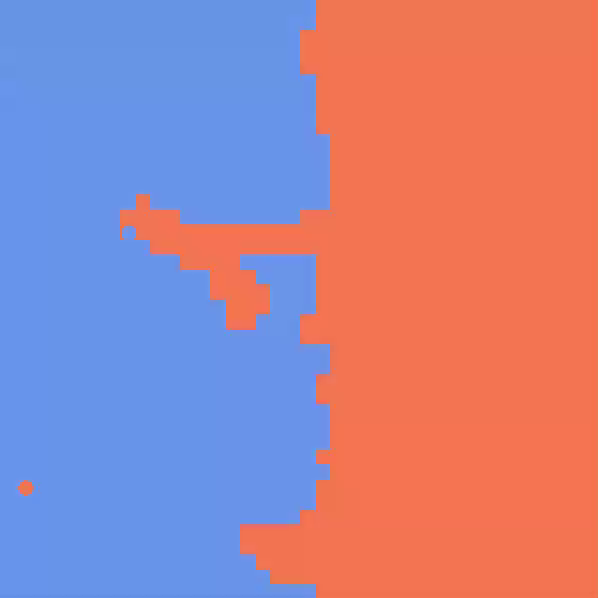
Two balls fight for territory: each one repaints the squares it hits in its own colour, and the score is how much of the board it owns.

PongWars2.kbs

Console

Programs that live in the text window.

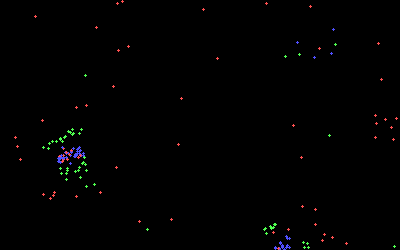
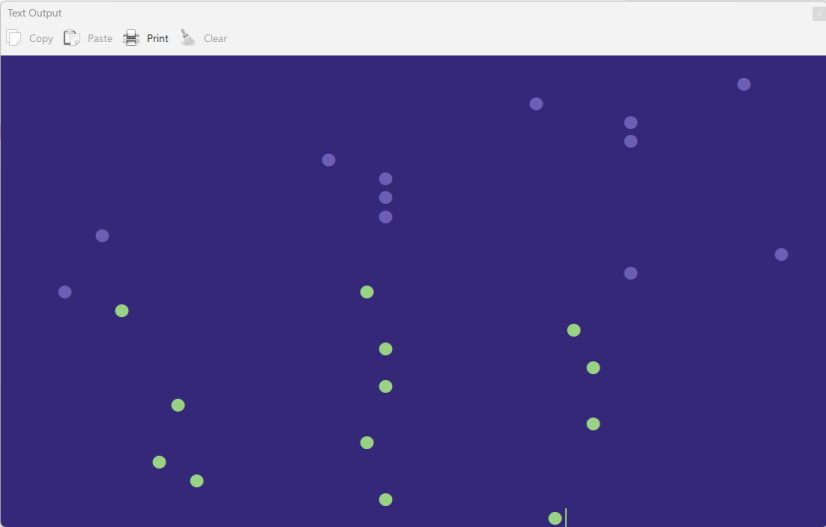
Screenshot of the Green vs Blue program running in BASIC-256.
Console

Green vs Blue

Bobby Breitling’s C64 one-liner

A Commodore 64 one-liner reborn on the 2.3.0 text screen: green balls push up from the bottom, blue ones rain down from the top, and the two fight over a 40×25 character grid.

GreenVsBlue.kbs

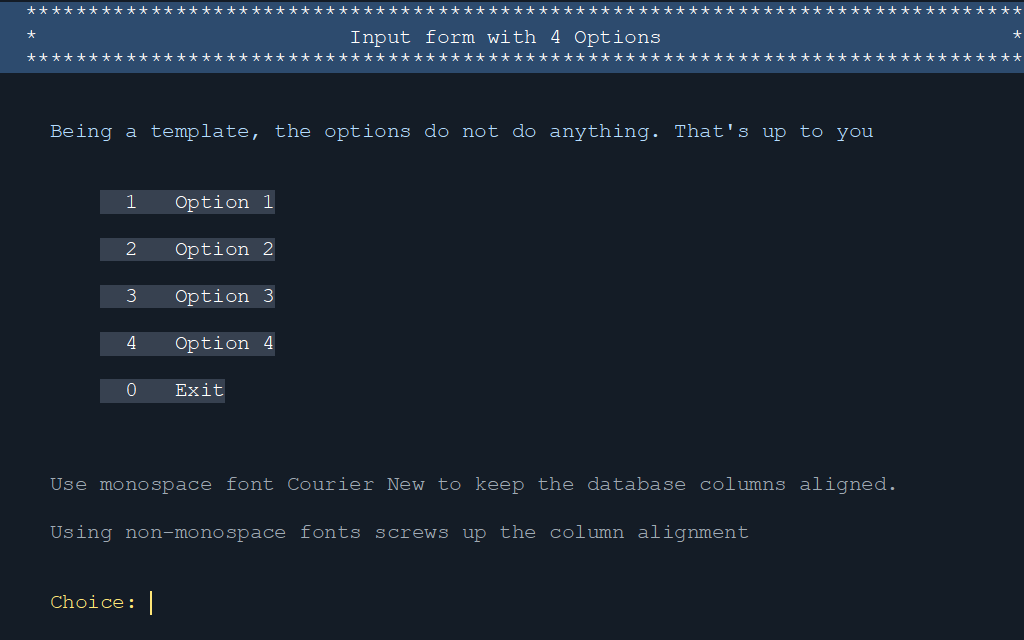
Screenshot of the Form Template program running in BASIC-256.
Console

Form Template

A starting point for a menu-driven text program: a coloured banner, a numbered menu and a prompt, all placed with LOCATE on a TEXTSCREEN grid. Fill in the four options with something useful.

FormTemplate.kbs

"Run in browser" opens the program from run.basic256.org in a separate window and runs it on its own, without the editor — the first visit downloads roughly 16 MB, and a few programs need a mouse or keyboard. Programs with a run button also ship in the Examples folder of the desktop app; the others link to their source on UglyMike's Web Lair.

Make your own

Open any of these, change a number, and run it again — that is how most of them started.